I’m thrilled to share that I’ve recently obtained the AWS Certified Cloud Practitioner certification from Amazon Web Services (AWS)! This accomplishment represents a significant milestone in my professional journey, and I want to take this opportunity to highlight some of the incredible tools that made this achievement possible.
AWS Skill Builder and AWS Cloud Quest were instrumental in my preparation, providing an engaging and comprehensive learning experience. In this article, I’ll share my study plan and how these AWS tools can help anyone aiming to enhance their cloud computing skills.
My Study Guide: A Two-Week Sprint to Certification
Time Commitment: Approximately 60 hours over two weeks
Here’s a breakdown of the resources I used:
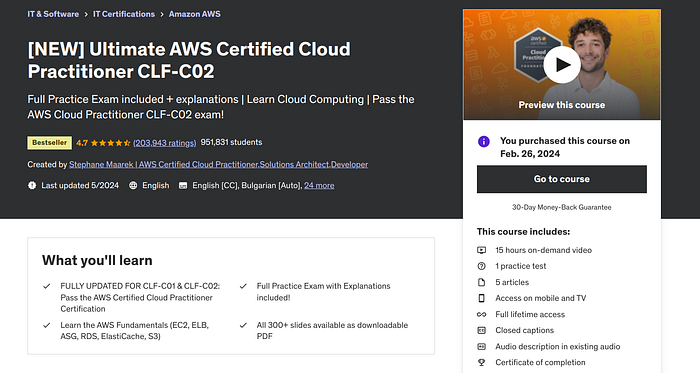
- Ultimate AWS Certified Cloud Practitioner CLF-C02 (Udemy — Paid)
Press enter or click to view image in full size
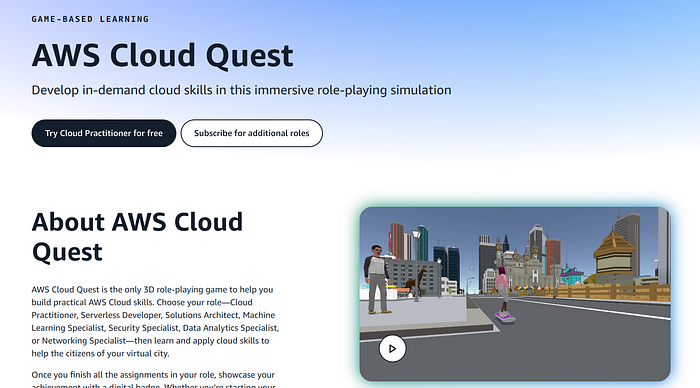
- AWS Cloud Quest: Cloud Practitioner (AWS Skill Builder —Free)
Press enter or click to view image in full size
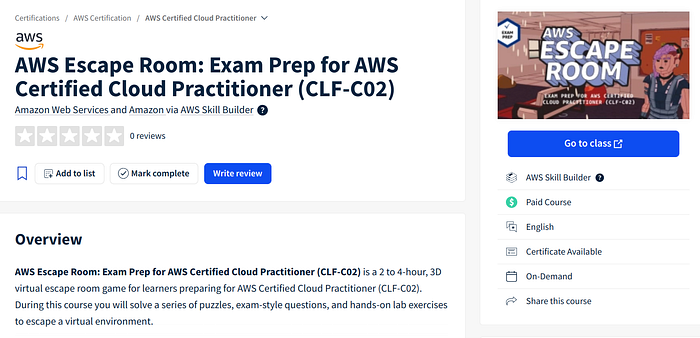
3. AWS Escape Room: Exam Prep for AWS Certified Cloud Practitioner (CLF-C02) (AWS Skill Builder — Paid Free Trial)
Press enter or click to view image in full size
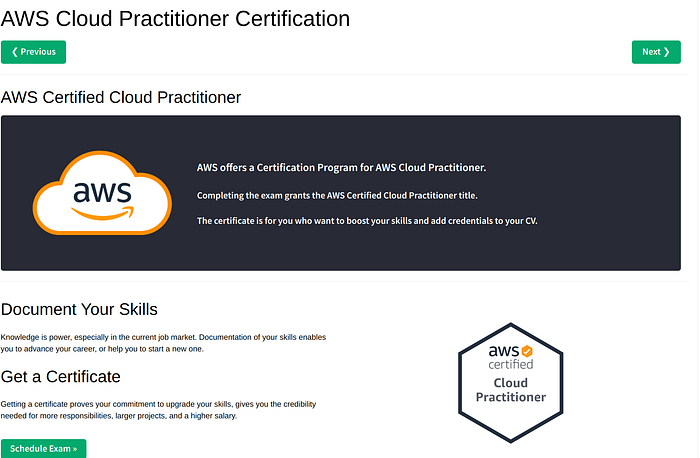
4. Free Practice Exam (https://www.w3schools.com/aws/aws_cloudessentials_awscert.php)
Press enter or click to view image in full size
5. Exam Prep Enhanced Course: AWS Certified Cloud Practitioner (CLF-C02 — English) (AWS Skill Builder — Paid Free Trial)
Press enter or click to view image in full size
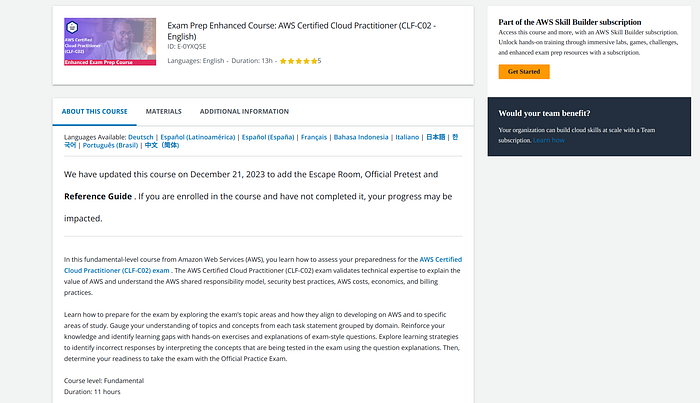
AWS Skill Builder
AWS Skill Builder is an online learning center designed to help users of all skill levels deepen their understanding of AWS services. It offers a wide range of courses, from beginner to advanced levels, covering various aspects of cloud computing.
Features:
- Structured Learning Paths: AWS Skill Builder provides well-organized learning paths, making it easy to follow a structured approach to learning. For the Cloud Practitioner certification, the platform offers a dedicated path that covers all the exam objectives.
- Hands-On Labs: Practical experience is crucial, and Skill Builder includes hands-on labs that allow you to apply what you’ve learned in real-world scenarios.
- Variety of Content: The platform offers video tutorials, quizzes, and reading materials, catering to different learning styles.
AWS Cloud Quest: Gamifying Cloud Learning
AWS Cloud Quest: Cloud Practitioner is a unique, gamified learning experience. It turns cloud learning into an adventure where users complete quests and solve puzzles to learn about AWS services.
- Interactive Learning
- Real-World Scenarios
- Engagement
AWS Escape Room: A Fun and Challenging Prep Tool
The AWS Escape Room is an innovative and engaging way to prepare for the certification exam. It simulates real-life scenarios where you need to solve challenges to “escape” from virtual rooms.
- Exam Simulation: It provides a realistic exam experience, helping you get used to the format and time constraints.
- Critical Thinking: The escape room challenges require critical thinking and problem-solving skills, essential for the exam and real-world applications.
- Interactive: It’s a fun way to test your knowledge and keep yourself engaged during the preparation process.
Putting It All Together: My Certification Journey
Combining these resources, I followed a structured study plan:
- Week 1: Focused on the Ultimate AWS Certified Cloud Practitioner course on Udemy, completing video lectures and hands-on labs.
- Week 2: Utilized AWS Cloud Quest for interactive learning and engaged with the AWS Escape Room for exam simulation. Also, supplemented with practice exams and the Exam Prep Enhanced Course on AWS Skill Builder.
My Experience with Person Vue and Getting Extra Exam Time
During my certification process, I took my exam through Pearson VUE. Pearson VUE provides a flexible and convenient way to take certification exams, offering both in-person and online proctoring options. My experience with Pearson VUE was seamless, from scheduling the exam to taking it on the day.
Get Antoine Boucher’s stories in your inbox
One tip I found incredibly helpful was the option to apply for additional exam time. If English is not your primary language, AWS allows you to request a 50% extension for your exam duration. Here’s how you can do it:
- AWS Certification: Before scheduling your exam, go to exam accommodations
Press enter or click to view image in full size

Press enter or click to view image in full size
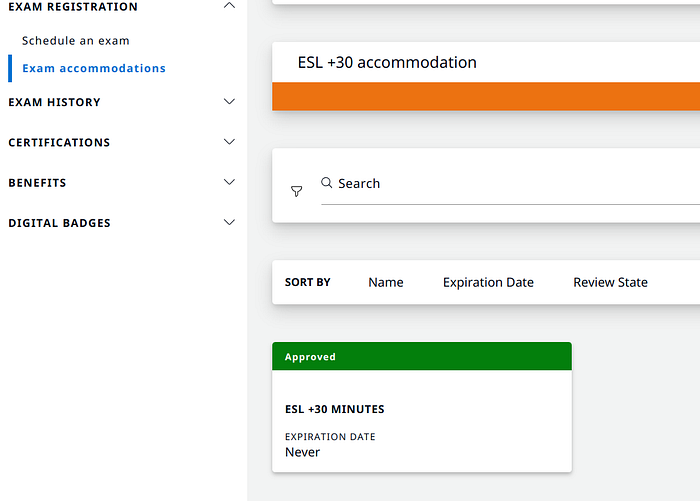
2. ID Verification: Ensure you have a valid ID for verification purposes. This is a crucial step for both in-person and online exams.
3. Schedule Your Exam with the Extension: Once approved, you can schedule your exam with the additional time included. This extension can make a significant difference, allowing you more time to carefully consider each question and reduce exam stress.
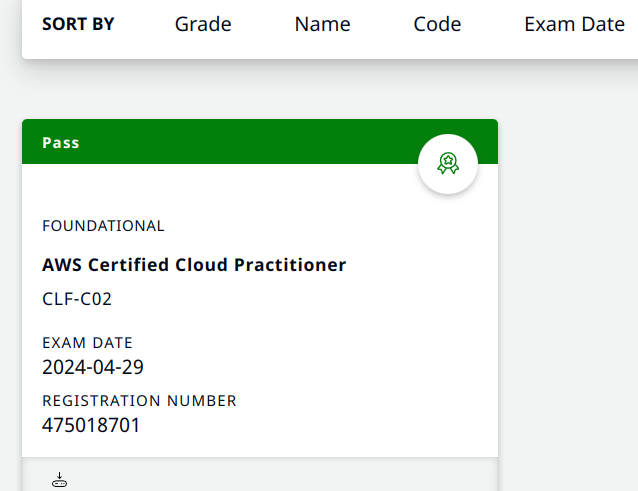
Preparing for the Online Proctored Exam
If you choose to take your exam online, there are a few additional considerations to keep in mind:
- Long Wait Times: Be prepared for potentially long wait times before your exam begins. It’s advisable to log in at least 30 minutes before your scheduled time to complete the necessary check-in procedures.
- Room Setup: Ensure your room is clean, free of any food, and without a second monitor. The proctor will ask you to show a 360-degree view of your room using your webcam to ensure there are no unauthorized materials.
- Proctoring Software: Pearson VUE uses specific software to administer online exams. Make sure you have this software installed and tested on your computer before the exam day to avoid any technical issues.
- Quiet Environment: Choose a quiet environment where you won’t be disturbed during the exam. Inform family members or roommates about your exam schedule to minimize interruptions.
Getting Your Digital Badge
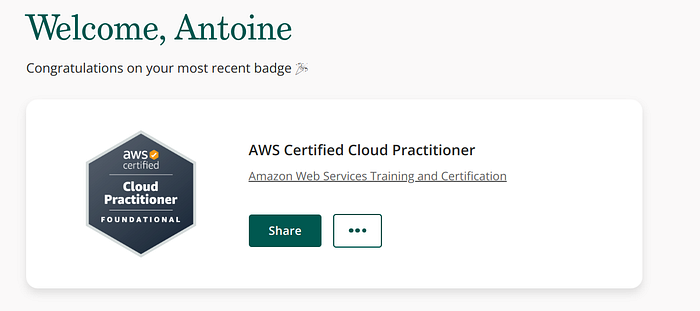
Once you’ve passed your exam, you can proudly share your achievement by obtaining a digital badge. AWS uses Credly to issue digital badges. Here’s how you can get yours:
Press enter or click to view image in full size
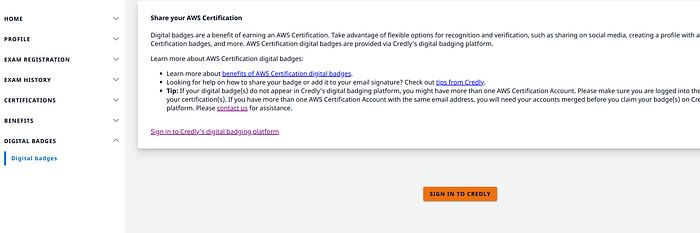
- Wait for Notification: After passing the exam, wait for 2–3 days to receive an email notification from Credly that your badge is ready.
- Create a Credly Account: If you don’t have one already, create a Credly account using the same email address you used for your AWS Certification.
- Accept Your Badge: Follow the instructions in the email to accept your badge and add it to your Credly account.
- Share Your Badge: You can now share your digital badge on LinkedIn, your resume, or any other platform to showcase your certification.
Press enter or click to view image in full size
Conclusion
AWS Skill Builder and AWS Cloud Quest were invaluable resources on my journey to becoming an AWS Certified Cloud Practitioner. These tools provided a comprehensive, engaging, and practical approach to learning AWS, making the certification process not only achievable but enjoyable.
If you’re considering pursuing an AWS certification or looking to enhance your cloud skills, I highly recommend leveraging these platforms. They offer a wealth of knowledge, practical experience, and innovative learning methods that cater to various learning styles.
Feel free to reach out if you have any questions about my study process or need advice on your AWS certification journey. Happy learning!
References
- AWS Skill Builder
- AWS Cloud Quest
- Ultimate AWS Certified Cloud Practitioner CLF-C02 (Udemy)
- AWS Escape Room: Exam Prep for AWS Certified Cloud Practitioner
- Free Practice Exam
- Exam Prep Enhanced Course: AWS Certified Cloud Practitioner
Originally published on Medium.